
What's in my fridge? Take a photo and find out what to cook
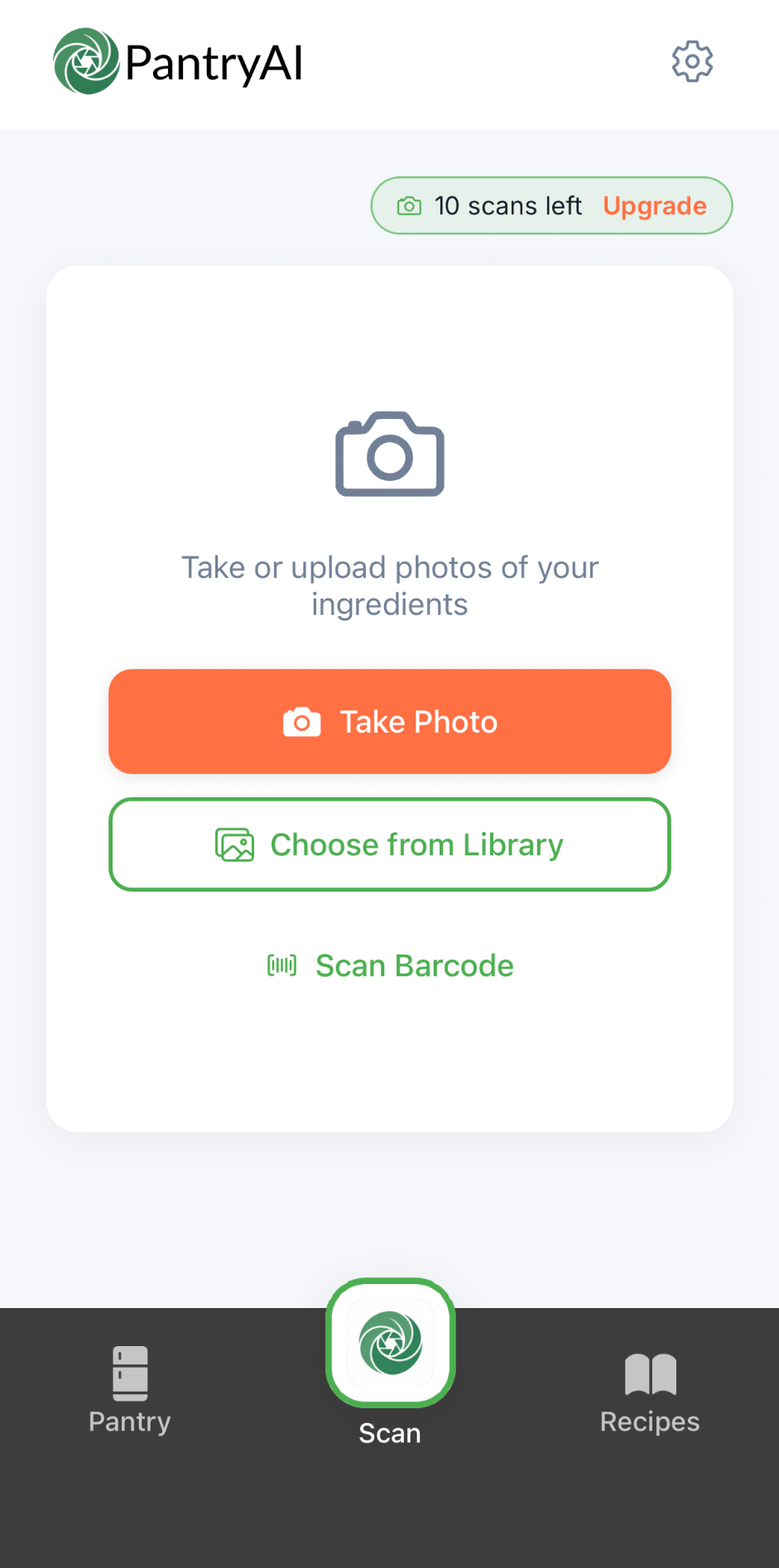
Photograph your fridge, freezer or cupboard. PantryAI lists the food, you check it, then it finds recipes.
Free: 10 photo scans and 10 recipe searches a month. No sign-up.
- Up to 5 photosIn one scan
- You check itBefore anything is added
- BarcodeFree, no scans used
How it works
From photo to recipes
Snap up to 5 photos
Point your phone at the fridge, freezer or cupboard. One scan takes up to 5 photos.
Check the list
See each item's name, brand, quantity and category. Untick or edit anything before it's added.
Tap “Find recipes with these”
Go straight from the photo to 3 recipes that use what you just found.
A fridge scanner that reads labels and barcodes too
Take a photo and the AI lists the food it can see, with a name, brand, quantity and category for each item. It reads the labels on packs and jars too, which is how it picks up brands as well as foods.
If a barcode is visible in the photo, PantryAI reads it and uses that product instead of the AI's guess. Product pictures come from our own curated set first, then from Open Food Facts. Once the list looks right, one tap takes you to recipes.
Food recognition you can correct
Nothing goes into your pantry until you've checked it. The review screen shows every item the AI found, all ticked. Use Select All or Deselect All, untick anything you don't want, and tap an item to change its name, brand, quantity or category.
Took two photos of the same shelf? Duplicates are merged by name and brand, and their quantities are added up, so you don't end up with three entries for one pack of butter. Then the list is ready for your next recipe search.
Example
Freezer, cupboard and shopping bags too
The same scan works on any photo of food. Snap the freezer drawer, the cupboard shelf or the shopping bags on the kitchen floor before you put them away. There are no modes to pick and nothing to set up.
Mix them in one scan if you like: a photo of the fridge, one of the cupboard and one of the bags, up to 5 in total. Everything lands in one list to check, then one tap finds recipes that use it.
Or scan a barcode, free
For a single item, scan its barcode live with the camera. Barcode scanning is free and doesn't use one of your photo scans, so it's the quickest way to add the odd tin or packet as you unpack.
Both routes fill the same pantry. See how it all fits together in the pantry app, or jump to the AI recipe generator to see what happens when you search.
What it does and doesn't do
It does
- Lists the food in your photos with a name, brand, quantity and category for each item.
- Reads barcodes it can see in the photo and uses that product.
- Lets you check, edit and untick everything before it's added.
It doesn't
- Show calories, nutrition or allergen information.
- Catch every item every time. Add anything it missed by hand in a few taps.
Questions people ask
More in the FAQ.
How many photos can I take per scan?
Up to 5. Each photo counts as 1 of your monthly photo scans, so a scan with 3 photos uses 3.
Does it work on the freezer and cupboard?
Yes. It works on any photo of food: fridge, freezer, cupboard or shopping bags. There are no modes to choose.
Does it count calories?
No. PantryAI doesn't show calories, nutrition or allergen information. It lists the food you have so you can cook with it.
What if it gets something wrong?
You check every item before it's added. Edit the name, brand, quantity or category, untick anything that's wrong, and add anything it missed by hand.
Is barcode scanning free?
Yes. Live barcode scanning is free and doesn't use your photo scans. For what each plan includes, compare plans.
How many free scans do I get?
The free plan includes 10 photo scans a month. Basic includes 20 and Deluxe 40; compare plans.
Contains data from Open Food Facts, available under the Open Database License.


Scan with your phone