
The recipe book app that knows what you can cook tonight
Save the AI recipes you like, add your own, and see a Ready badge on the ones you can make with what you have.
Free: 10 photo scans and 10 recipe searches a month. No sign-up.
- Save to BookOne tap
- Your own recipesAdded by hand
- Ready badgeWhen your pantry covers it
How it works
Save it, add your own, look for Ready
Save any AI recipe
Tap Save to Book on any recipe the AI writes for your pantry.
Add your own
Type in family favourites and recipes you already cook, by hand.
Look for Ready
A Ready badge shows on every recipe your pantry covers.
A recipe organizer app with a Ready badge
A recipe book is usually a list of things you'd like to cook one day. PantryAI's recipe book also knows what's in your kitchen. When your pantry covers every ingredient in a saved recipe, it gets a Ready badge.
So on a Tuesday night you don't scroll through every recipe wondering which ones you can make. You look for Ready, cook from food you already bought, and skip the extra shop. Keep your pantry up to date with the pantry app and the badges keep up with it. A recipe you saved last month shows Ready as soon as your pantry has everything it needs.
Example
Cheese and onion omelette
1 missingAdd and edit your own recipes
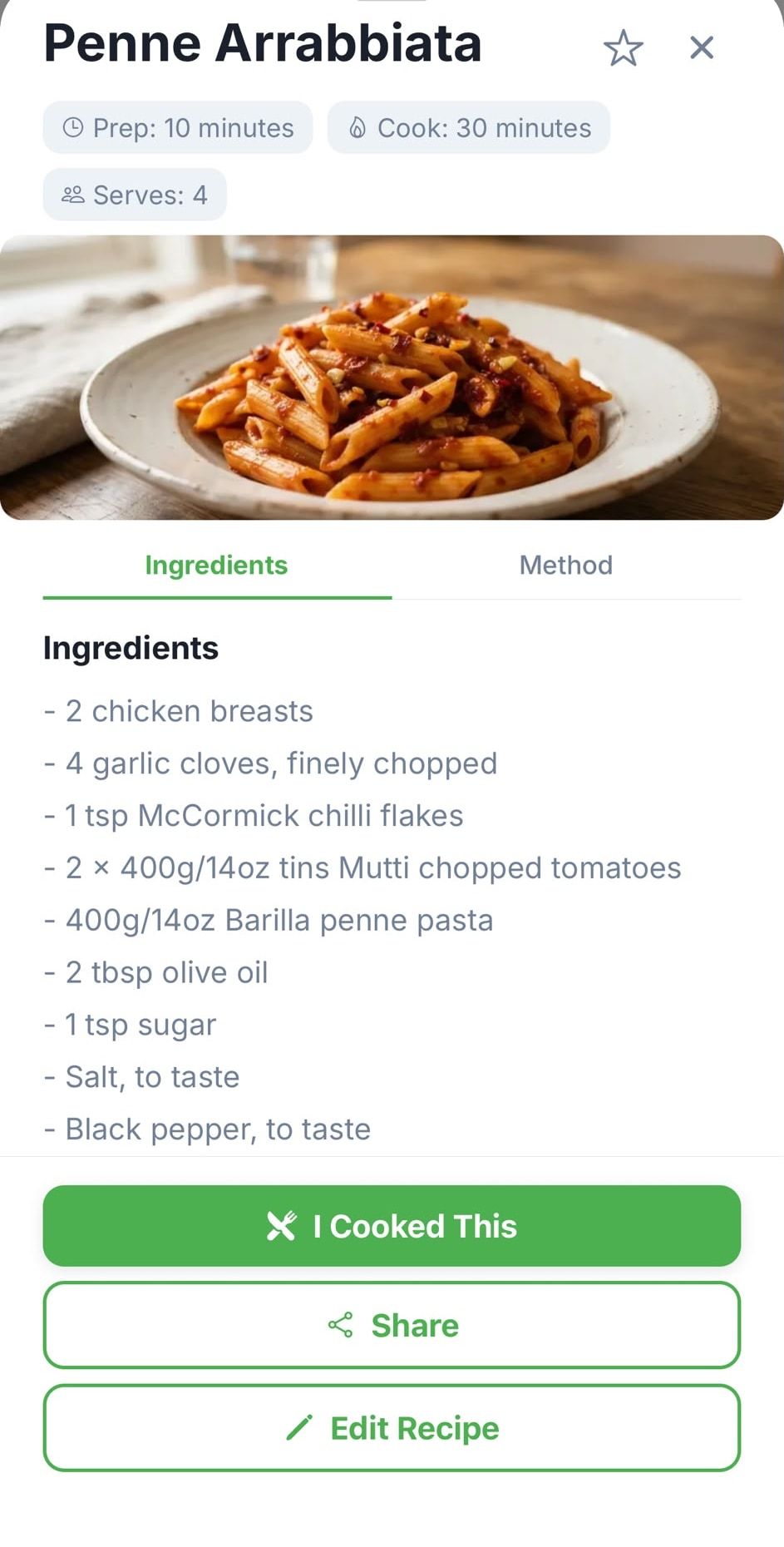
Your book isn't only for AI recipes. Tap Add Recipe and type in the dishes you already cook: the family stew, the curry from a friend, the cake on the back of a card. They sit next to your saved AI recipes in one book.
You can edit any recipe, saved or your own. Swap an ingredient, change an amount or rewrite a step so it reads the way you cook it.
Your recipes, backed up
You don't need an account to save recipes. If you want them safe when you change phone, sign in with an optional account. It backs up and syncs your pantry, recipes, staples and cook log, at most once a day.
Signing in is a choice, not a requirement. Skip it and the app works the same on your phone. New recipes come from the AI recipe generator, written for the food you have, and every one you like can go straight into your book.
What it does and doesn't do
It does
- Saves AI recipes with one tap.
- Lets you add and edit your own recipes by hand.
- Search, favourites, sharing and a times-cooked count.
- A Ready badge on recipes your pantry covers.
It doesn't
- Import recipes from websites.
- Scan cookbook pages.
- Sort recipes into folders or tags.
- Plan meals or make shopping lists.
Need to import recipes from websites? Our guide to the best recipe apps covers apps that do.
Questions people ask
More in the FAQ.
Can I import recipes from a website?
Not yet. You can save any AI recipe from the app, and add your own recipes by hand.
Can I add family recipes?
Yes. Tap Add Recipe and type them in by hand. You can edit them any time.
Will I lose my recipes if I change phone?
Not if you sign in to back up. An optional account backs up and syncs your pantry, recipes, staples and cook log, at most once a day. Without an account, your recipes stay on the phone you saved them on.
Is PantryAI free?
Yes. The free plan includes 10 photo scans, 10 recipe searches and 3 AI images a month, with ads, and no sign-up. Basic and Deluxe add more; compare plans.


Scan with your phone