
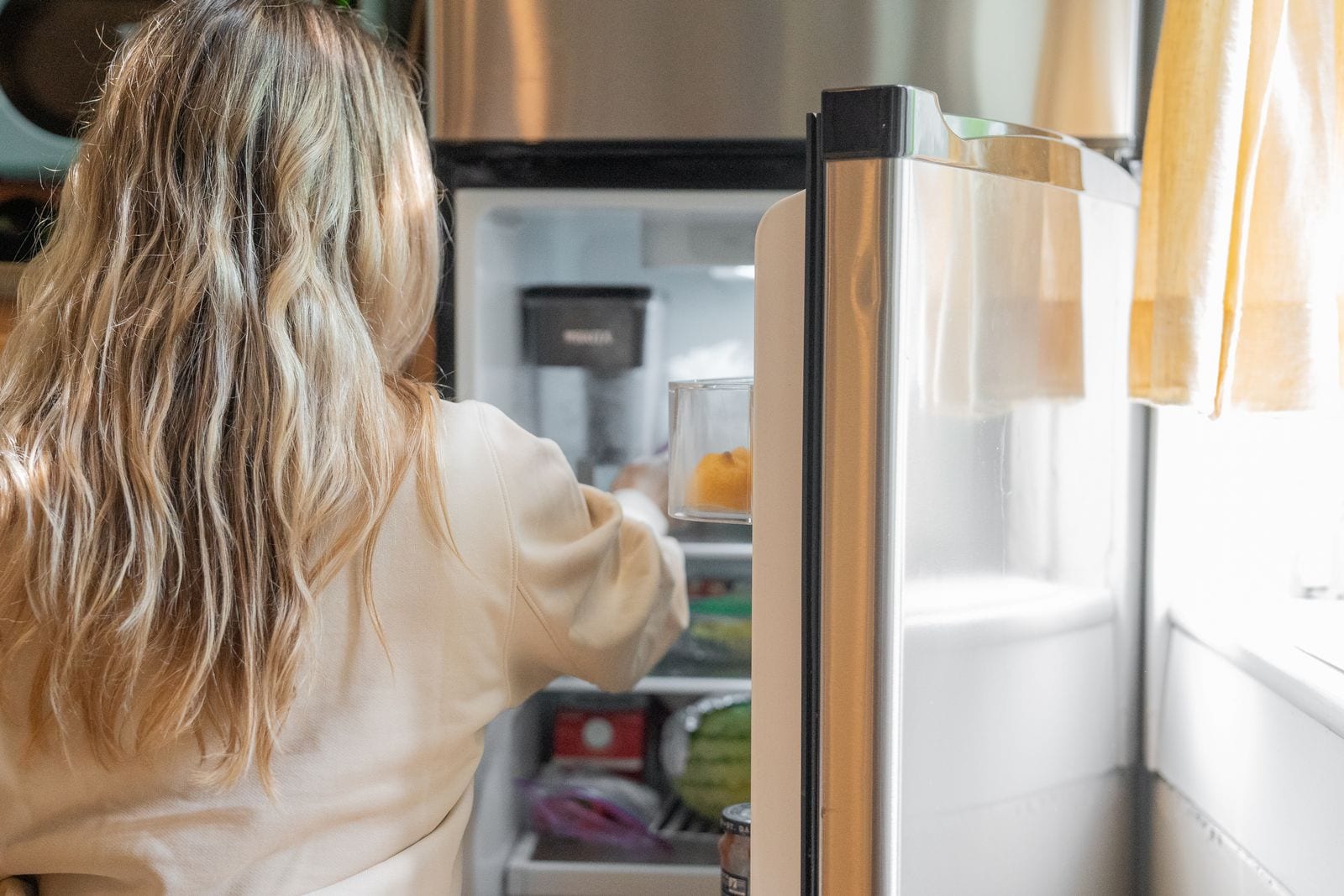
New: scan your fridge and build your pantry from a photo
By PantryAI Team ·
- product news
- photo scan
- pantry
- barcode scanning
Typing out everything in your kitchen is the part nobody wants to do. This update removes it.
Photo scan
Take up to 5 photos of your fridge, freezer, cupboard or shopping bags. PantryAI lists the food it can see, with name, brand, quantity and category. There are no modes to pick: the same scan works on any of them.
Each photo counts as 1 of your monthly scans. The Free plan includes 10 scans a month. See pricing for the other plans.
Check it before it's saved
The AI won't get everything right, so nothing is added until you've reviewed the list.
- Untick anything that shouldn't be there, or use Select All and Deselect All.
- Edit names, brands and quantities.
- Duplicates are merged by name and brand, and their quantities are added together.
- Add anything it missed by hand.
It reads names, brands, quantities and categories. It doesn't count calories or check allergens.
Barcodes
Barcodes visible in a photo are read and replace the AI's guess. You can also scan a single product with the live barcode scanner, which is free and doesn't use up a scan. It reads EAN-13, EAN-8, UPC-A and UPC-E. Product details and pictures come from a curated set first, then from Open Food Facts. Contains data from Open Food Facts, available under the Open Database License.
What's next after the scan
Tap "Find recipes with these" and PantryAI writes recipes for what you've just scanned. Read more on the what's in my fridge and pantry app pages.